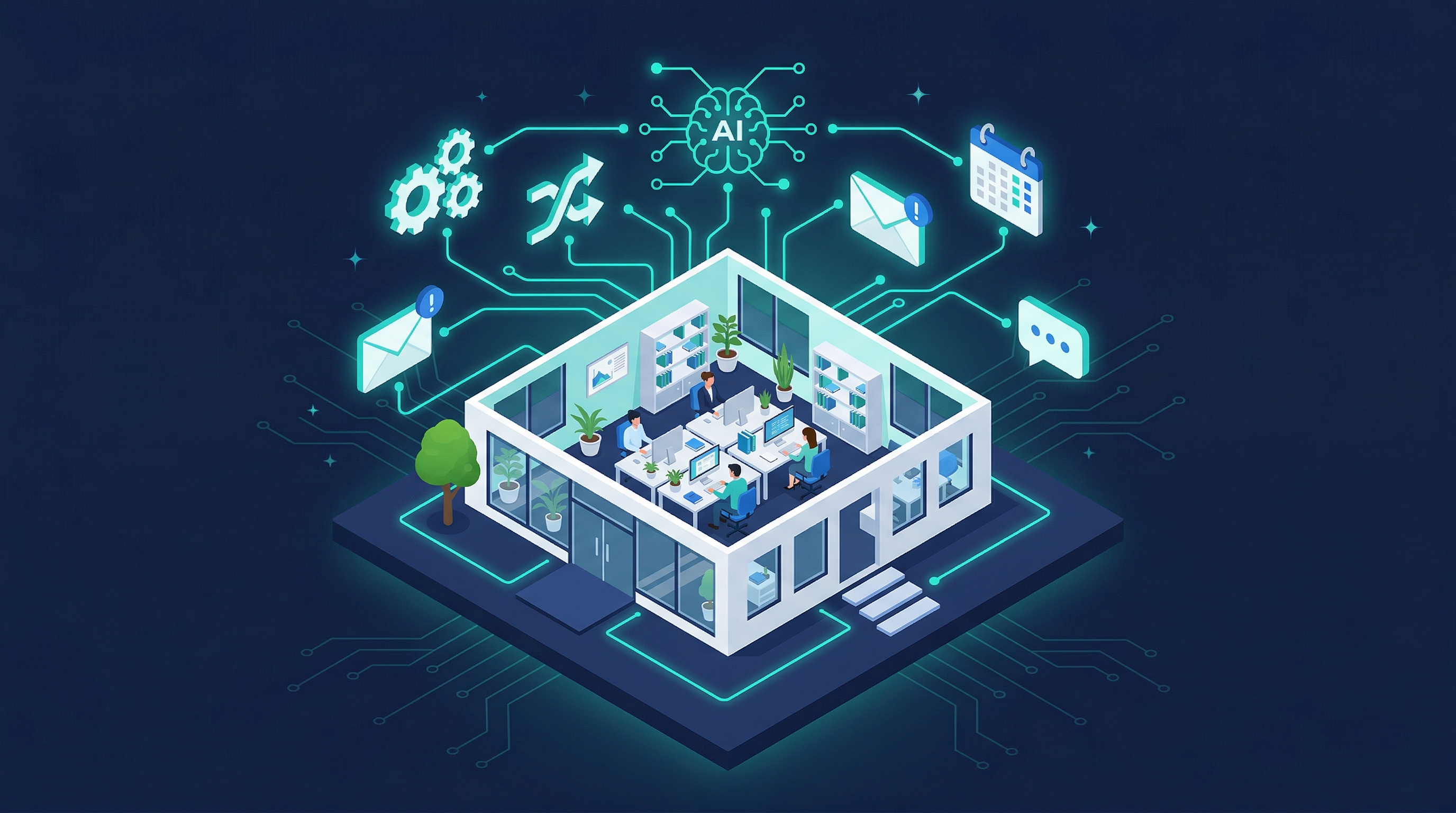
The word "automation" has been hijacked by enterprise software companies selling six-figure platforms to Fortune 500 teams. So when a roofer or a cleaning company owner hears it, their eyes glaze over. Fair enough. But the version of automation that matters to a five-person business looks nothing like that. It's simple, it's cheap, and it saves you from doing the same tedious task for the 400th time this year.
Here's what actually works, what it costs, and where people go wrong.
What does "automation" actually mean for a small business?
Business automation is using software to handle repetitive tasks that don't require human judgment. That's it. No AI overlords, no replacing your team. We're talking about things like: when someone fills out your contact form, they automatically get a confirmation email. When an invoice hits 30 days overdue, the client automatically gets a reminder. When a job wraps up, the customer automatically gets a review request.
You're probably already doing a version of this without thinking about it. If you use QuickBooks and it sends recurring invoices, that's automation. If your Google Calendar sends appointment reminders, that's automation. The opportunity is just doing more of it, on purpose, in the places where you're currently burning hours on manual busywork.
A 2025 study from Salesforce found that small business owners spend an average of 23% of their workday on manual, repetitive tasks. For someone working 50-hour weeks, that's over 11 hours. Every single week. Doing stuff a computer could handle while you sleep.
What are the highest-ROI automations to set up first?
Start with the five that pay for themselves almost immediately. They work across nearly every service business.
-
Appointment scheduling: Stop playing phone tag. Tools like Calendly or Acuity let customers book directly into your calendar. You set your availability, they pick a slot, everyone gets a confirmation. Done. A ServiceTitan survey found that 67% of customers prefer booking online over calling, and businesses using online scheduling see 25-35% fewer no-shows thanks to automatic reminders.
-
Follow-up emails after inquiries: Someone fills out your contact form at 9 PM. You see it at 7 AM the next day. By then they've already contacted two competitors who responded instantly. An automated reply that goes out within 60 seconds (confirming you got their message, setting expectations on response time, maybe linking to your FAQ) keeps them warm until you can personally follow up.
-
Invoice and payment reminders. Nobody likes chasing money. Set up automatic reminders at 7 days, 14 days, and 30 days overdue. QuickBooks, FreshBooks, and Wave all do this natively. You stop being the bad guy. The software is.
-
Review requests. The single biggest missed opportunity for most service businesses. Two days after a job closes, an automatic text or email goes out: "How'd we do? Leave us a review." Simple. Most of your happy customers would leave a review if you asked. You're just not asking consistently because you're busy doing actual work.
-
Lead qualification. A short form on your website that asks the right questions (budget range, timeline, project type) before anything hits your inbox. Now you're not spending 20 minutes on a discovery call with someone who wants a $500 job when your minimum is $5,000. The form does the sorting for you.
You don't have to set all five up at once. Pick the one that would save you the most time this week and start there.
How much does this actually cost?
Real numbers, because "it depends" isn't helpful.
Free to cheap (under $50/month): If you're handy with tools, you can rig most of this together yourself. Calendly has a free tier. Mailchimp sends automated emails for free up to 500 contacts. Google Forms handles lead qualification. Wave does invoicing and reminders for free. You'll spend time instead of money setting it up, and the integrations between tools can get janky, but it works.
Mid-range ($100-300/month): This is where most small businesses land. A CRM like HubSpot's starter tier or GoHighLevel bundles scheduling, email follow-ups, review requests, and basic lead management into one platform. Less duct tape, fewer things breaking. You might pay someone a few hundred bucks to configure it initially.
Done-for-you ($400-800/month): You hire a team to build, connect, and maintain your automations. With us, that's part of the Partner plan at $1,499/mo, website included. Everything is customized to your actual workflow, not shoehorned into some generic template. When something breaks or needs updating, it's handled. This is the option for people who'd rather spend zero time thinking about the plumbing and just have it work.
The math usually isn't complicated. If you're paying yourself (or an employee) $30/hour and automation saves 10 hours a week, that's $1,200/month in recovered time. Even the done-for-you option pays for itself two or three times over.
What are the most common automation mistakes small businesses make?
The biggest one is automating the wrong things. People get excited and try to automate customer communication that actually needs a human touch. Your follow-up to a $20,000 project proposal should not be a canned email sequence. The initial "thanks for reaching out" reply? Automate that. The actual sales conversation? That's you.
Here's the general rule: automate the boring, predictable stuff. Keep humans in the loop for anything where empathy, judgment, or negotiation matters.
Other mistakes we see constantly:
- Setting it and forgetting it. Automations need checkups. That email sequence you wrote in January might reference pricing you changed in March. Review your automations quarterly at minimum.
- Too many tools that don't talk to each other. You end up with data in five different platforms and no clear picture of what's happening. Fewer tools, better connected, always beats a stack of disconnected apps.
- Over-automating and feeling robotic. If a customer responds to an automated email and gets another automated email back, you've lost the thread. Build in off-ramps where a human takes over.
What about AI chatbots and voice assistants: are they worth it yet?
Yes, but with a caveat. AI-powered chatbots and voice receptionists have gotten genuinely good in the past year. We're not talking about those awful "click a menu option" bots from 2020. Modern AI chatbots can answer real questions about your services, qualify leads in a natural conversation, and book appointments, all without a human touching it.
AI voice receptionists are the newer version of this. Someone calls your business after hours, and instead of voicemail, they get an AI that sounds like an actual person, can answer common questions, and routes urgent calls to your cell. For service businesses that lose leads to missed calls, this is a big deal.
The catch is that these need proper setup to work well. A badly configured chatbot that gives wrong answers or loops people in circles is worse than no chatbot at all. This is one where the DIY route is risky. It's worth having someone who knows what they're doing build and train it properly.
Where should you start?
Pick one thing. Seriously, just one. Look at your last week and ask yourself: what did I do repeatedly that didn't require my brain? That's your first automation.
If you want help figuring out which automations would actually pay off for your specific business, or you just want someone to build the whole thing so you can get back to work, reach out to us. We set up automation systems for small businesses, and we'll tell you straight up which ones are worth it and which ones aren't.